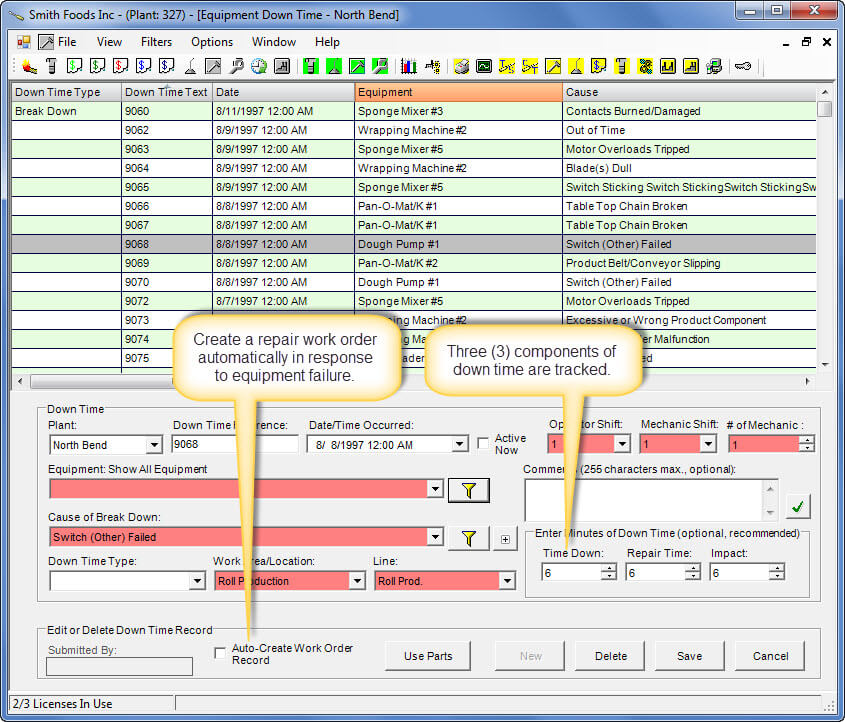
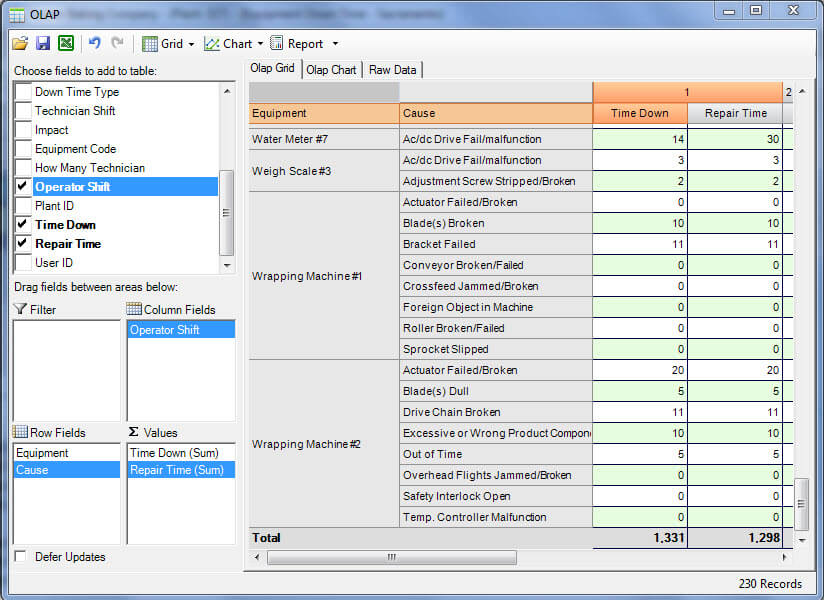
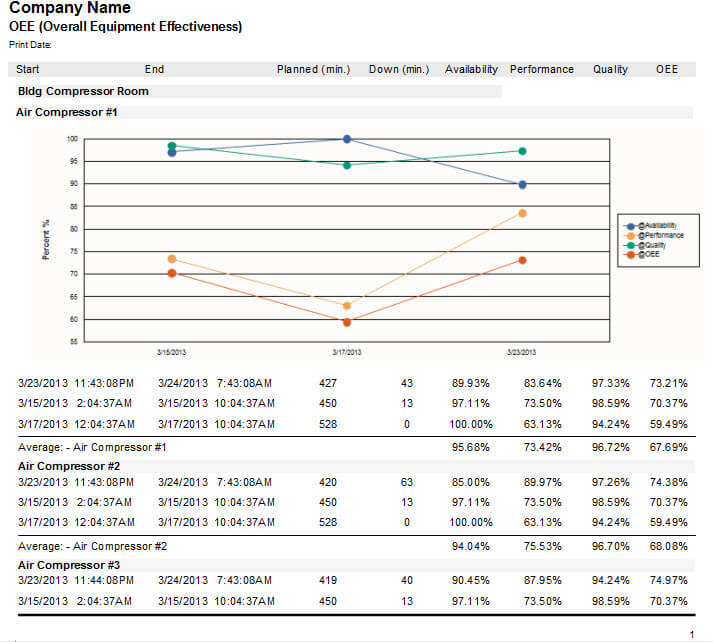
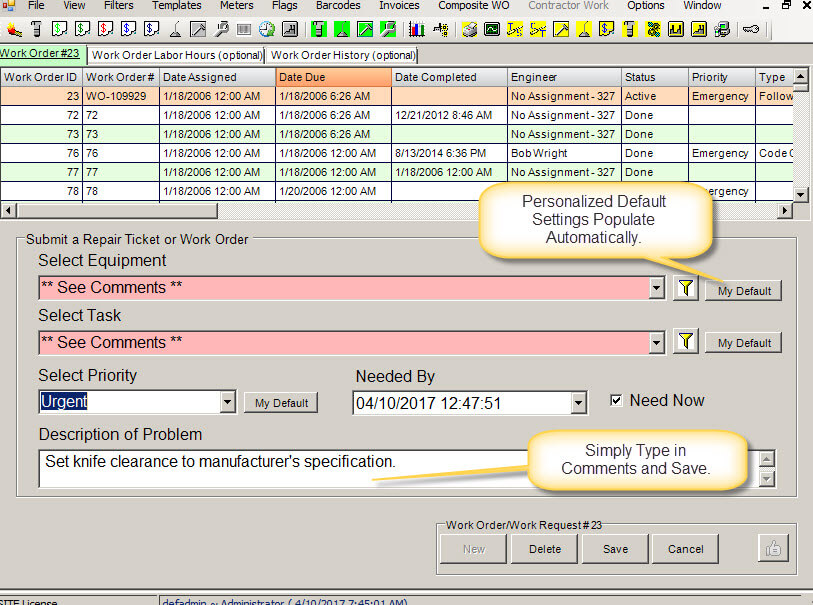
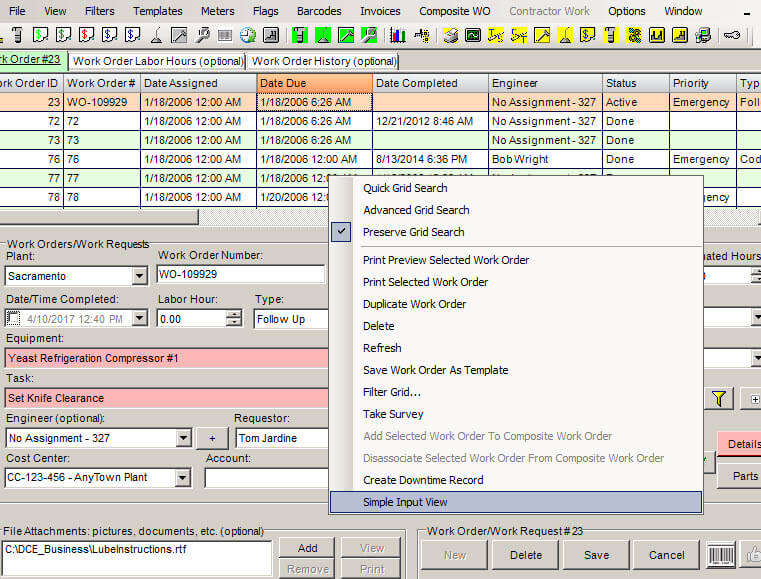
Simple work order software view is a new component in MaintSmart that makes it incredibly simple for anyone to create a work order, repair ticket or work request.
Only two fields (Equipment and Task) need to be populated and each user may set defaults to populate these fields. Setting these two fields to defaults results in the user only needing to type into the comments box. Although this is very simple for the user the system also collects the user name and sets the Status to Request in the case of a service request. These hidden actions make it possible for the maintenance manager to get back to the original requester since there name is stamped on the repair ticket.
Simple Work Order or Repair Ticket View
Benefits of Simple Input Work Order Software
- Encourages non-maintenance employees to interact with the maintenance department and report issues that may need repair or maintenance.
- Is so simple anyone can use this module with little or no training.
- Fast! Login and go directly to the simple work order screen, type in comments and click Save button.
- Users can toggle between simple work order screen and normal work order view without leaving the screen.
Contact Us! We want to hear from you.
- Consulting?
- Free help documents and videos?
- Free personalized online demonstration?
- Any questions?
- Pricing for software?
- Formal quote or proposal?
- Free consultation?
- All suggestions and comments are welcome!